01
Inbox Intelligence
BrowseSearchAll foldersRead status

Work through your inbox faster with an AI assistant that reads, understands and drafts — and sends only with your approval.
Built to work with your mailbox, Email Agent helps you find emails, understand what they need and draft or send replies through conversation.
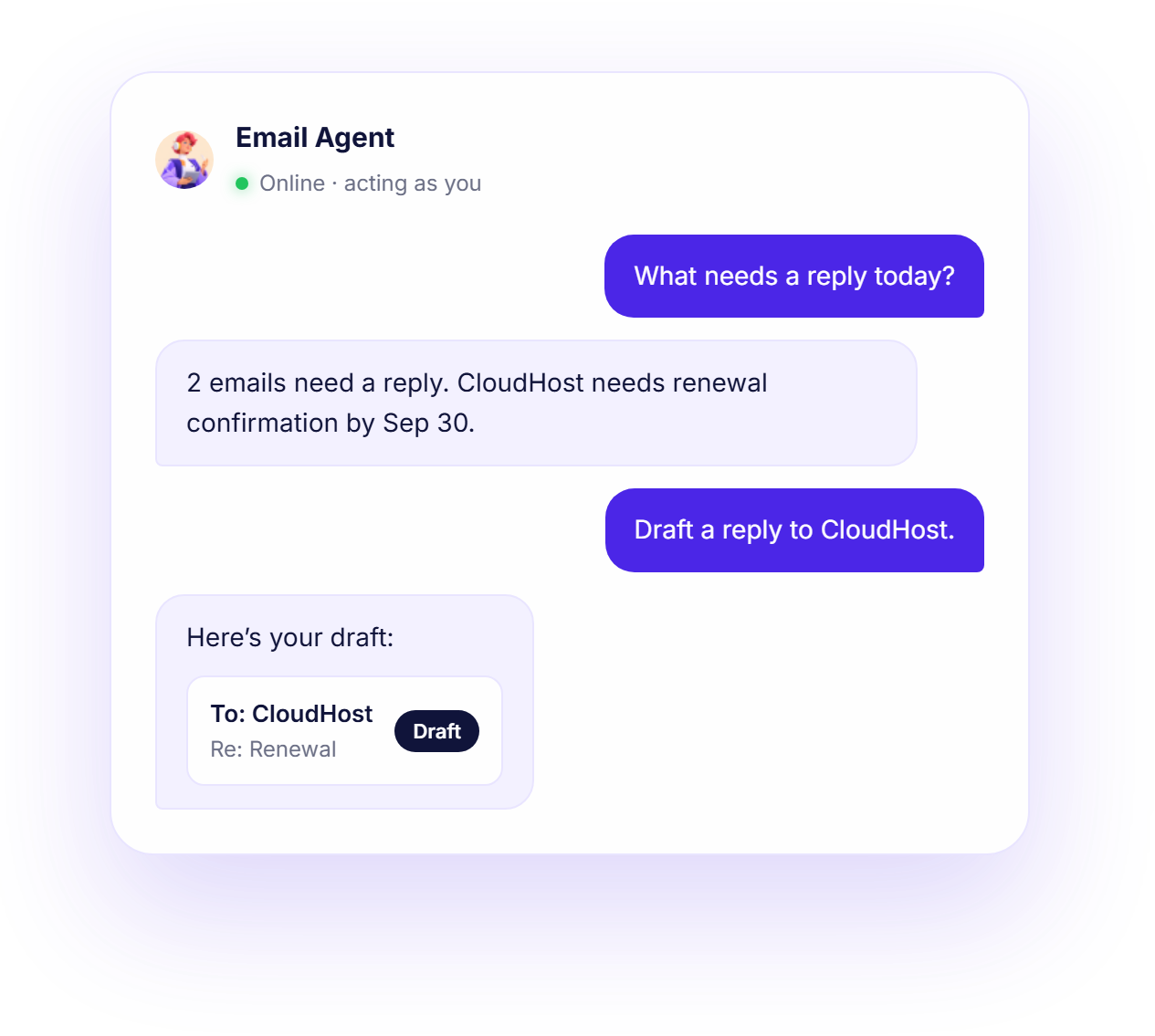
Browse and search all folders, and check read status.
Read email content and attachment details.
Reply suggestions and new emails from an instruction.
Save drafts, send an email or send a batch.
What the Email Agent can help with, grouped by the work you do.
Your AI can act within your permissions. Every write action is shown to you and confirmed before it runs.
Tell your agent what you need.
The agent finds the relevant information.
It prepares the requested action.
You review and approve before anything changes.

Send all 3 drafts as a batch?
Send this reply to CloudHost?
Everything you need to know about the Email Agent before you start.
A chat-based assistant in BuzyTeam for your inbox. You talk to it like a colleague — it looks things up and acts, with your OK.
Inbox Intelligence, Understand, Write, Execute. See the capabilities above for the full list.
The emails in your own mailbox — your inbox and all folders, email content and attachment details — through the same access you already have.
Yes. It can draft emails, save drafts, send a single email or send a batch of drafts. Every write action is shown to you first and only runs after you confirm.
No. It acts as the logged-in user and only works with the mailbox you can already access, so it can never see or do more than you could by hand.